 vibnote
 Catch stray thoughts as snaps.
Grow them into notes you own.
vibnote is a place to jot down a passing thought in seconds, see it again around the time you'd have forgotten it, and gather the useful ones into Markdown notes. No sign-up — and if you want, everything lives in your own GitHub repo.
Write. Look back. Make notes.
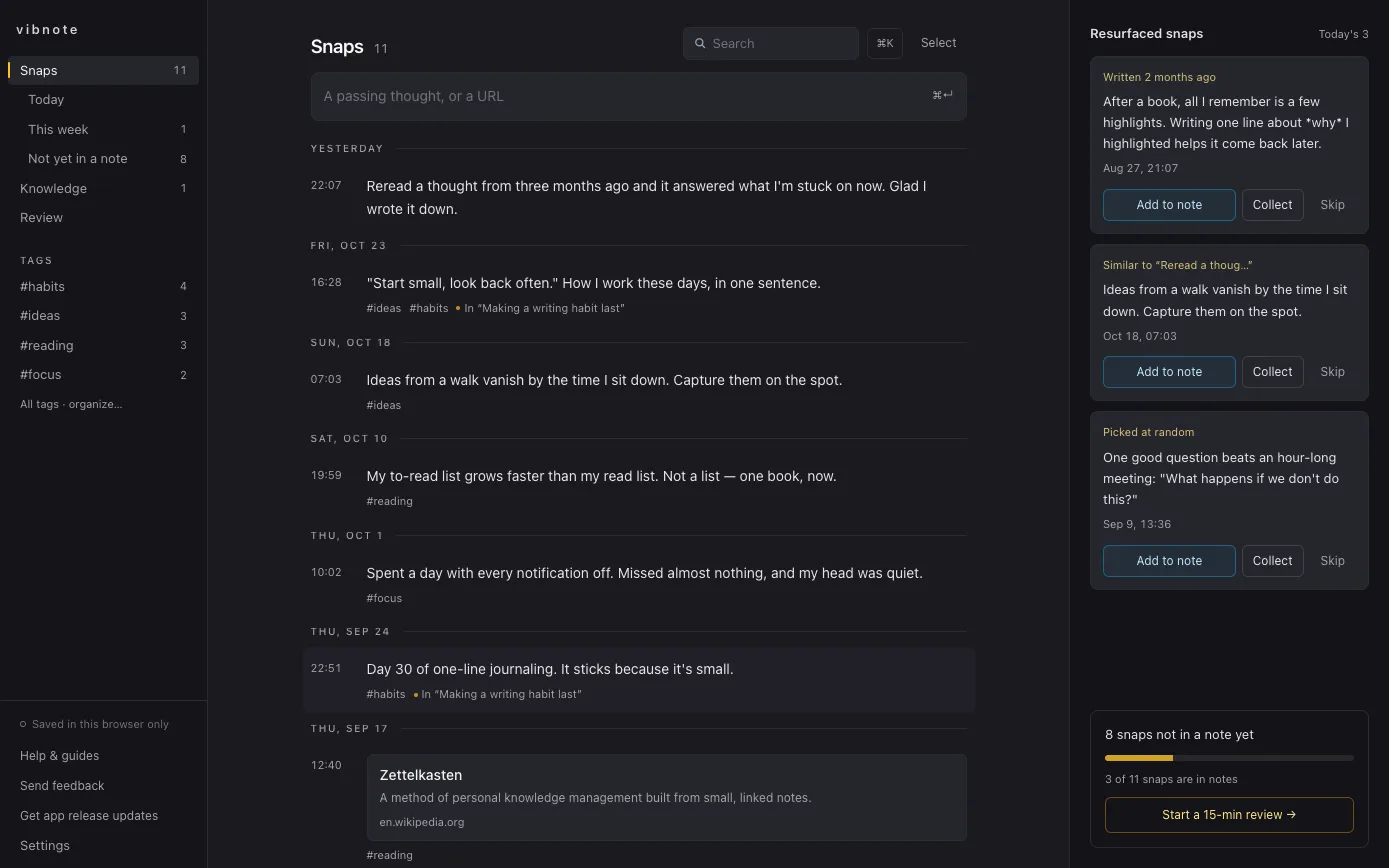
Leave a snap
Type the thought in one line, or paste a link. No titles, no folders. Add a #tag if you feel like it.
See it again
Every day a few snaps come back — one from three months ago, one that sounds like what you wrote this week. You can also lay a whole week out by day.
Grow it into a note
Collect the snaps that belong together and turn them into a Markdown note. The original snaps stay linked as the note's sources.
Stop writing things down only to forget them.
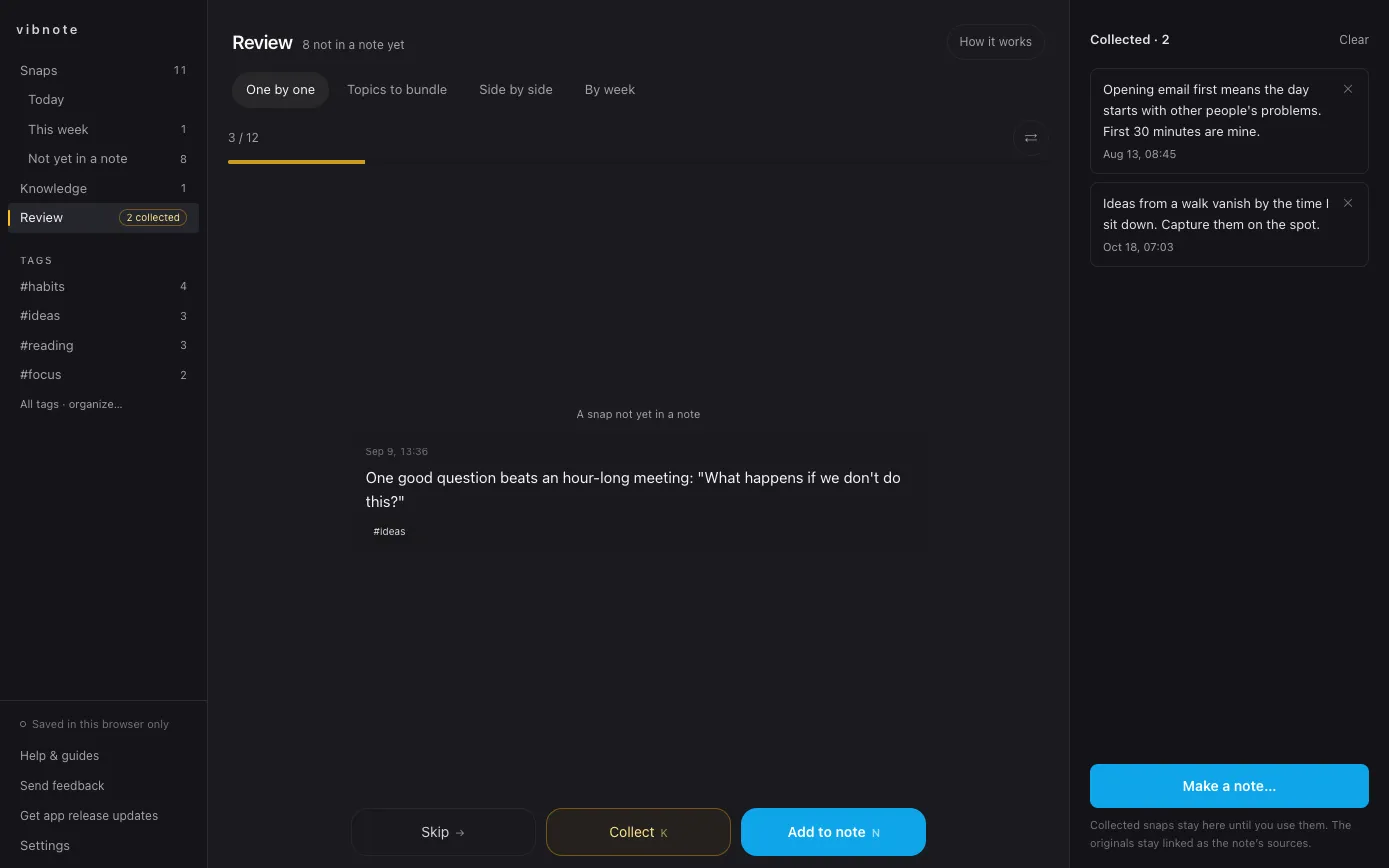
- Go through snaps that aren't in a note yet one at a time: skip, collect, or add to a note.
- vibnote suggests topics worth bundling from shared tags, and lets you put two snaps side by side.
- By week lays out a week of thinking so you can look back on it as one note.
Your thoughts, in your GitHub, as plain Markdown.
- There's no account. At first everything is saved in this browser only, and you can export it all as a ZIP from Settings at any time.
- Connect GitHub and your snaps and notes go to a repository you choose as Markdown files, and stay in step across devices. The history stays in GitHub too, so you can go back to earlier versions.
- It's an ordinary folder of Markdown, so it opens as-is in Obsidian or any other editor. Already have Markdown notes? Import a ZIP from Settings.
- The vibnote server only relays the GitHub sign-in exchange and link previews. It never stores your content or your token. Details are in the privacy policy.
Questions
Is it free?
Everything is free during the beta.
Can I use it without GitHub?
Yes. Without GitHub, everything stays in this browser. Browsers can clear site data, though, so back up anything important as a ZIP from Settings, or connect GitHub.
GitHub's approval screen says "access to all repositories".
That's how GitHub labels this permission. vibnote reads the repository list so you can pick or create one, and after that it only reads and writes the one you chose. The sign-in token stays in your browser. You can revoke it any time at github.com/settings/applications.
Can I save the web page I'm reading?
Yes. Install the vibnote Chrome extension in Chrome, Edge, or another Chromium browser, then use the toolbar button or Alt+Shift+S to save the page's address and any passage you've selected as a snap. The extension has no server of its own — it hands the snap to your vibnote tab, which saves it.
Does it work on my phone?
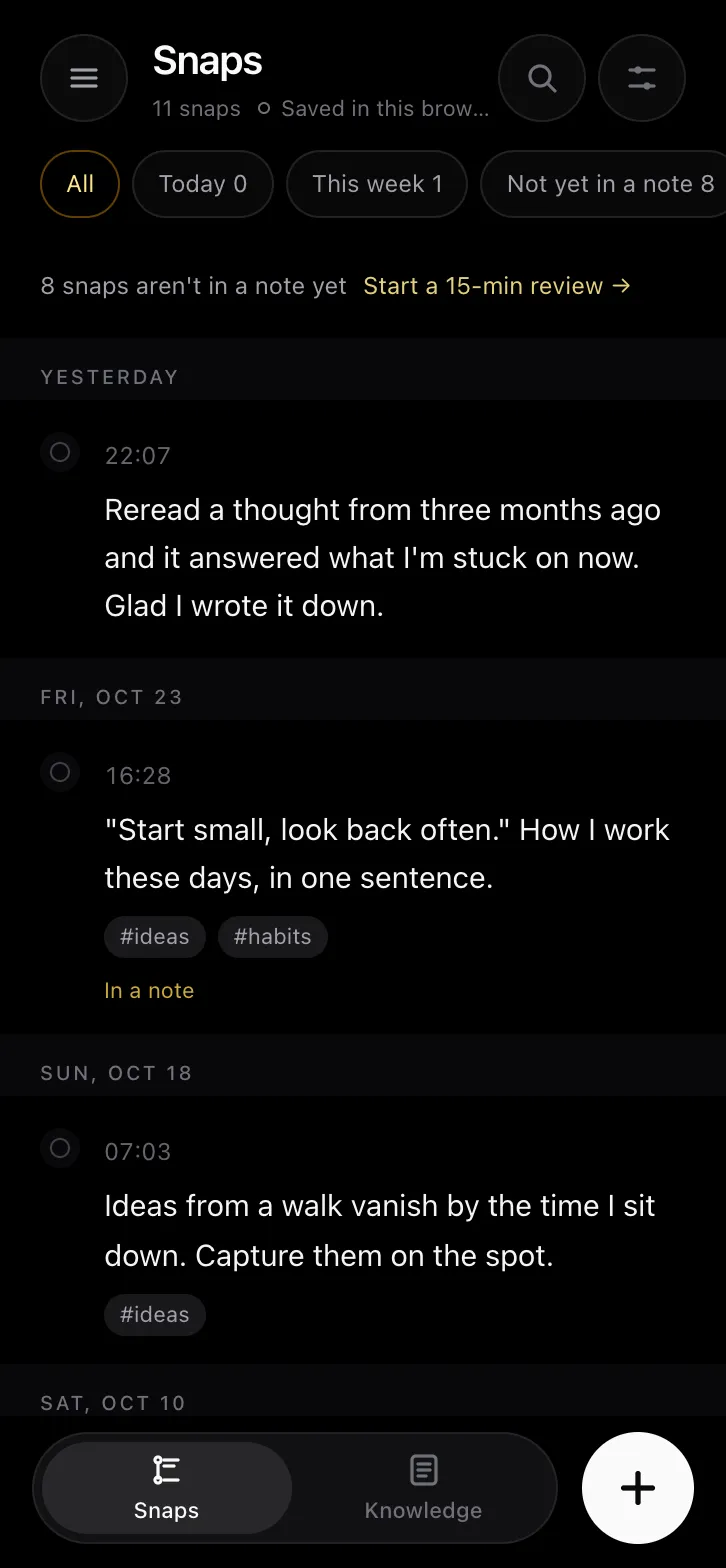
Yes. Open vibnote.com in your phone's browser and add it to your home screen to use it like an app. iPhone Safari may clear data for sites you haven't added to the home screen after 7 days without a visit, so add it or connect GitHub.
Is it open source?
Not at the moment. What you write is plain Markdown in a repository you own, though, so you can leave any time and take everything with you.
Is there a desktop or phone app?
Mac, Windows, iPhone, and Android apps are in the works. Tap "Get app release updates" in the app and we'll let you know.
It's a beta. Should I worry?
If a sync conflict happens, vibnote keeps both sides instead of overwriting, and every user-facing change is listed in the changelog (in Korean). Still, keep a backup of anything important. If something gets in your way, tell us from Help → Send feedback in the app.